
I've spent decades building software. I know when a tool is being stretched beyond what it was designed to do.
Last year, I watched a product manager try to run a video launch event over Zoom. She shared her screen, hit play on the demo video, and immediately the problems started. Audio was choppy. Some people saw the video five seconds ahead of others. The chat filled with "I can't hear anything" and "my screen froze."
She wasn't doing anything wrong. Zoom wasn't broken.
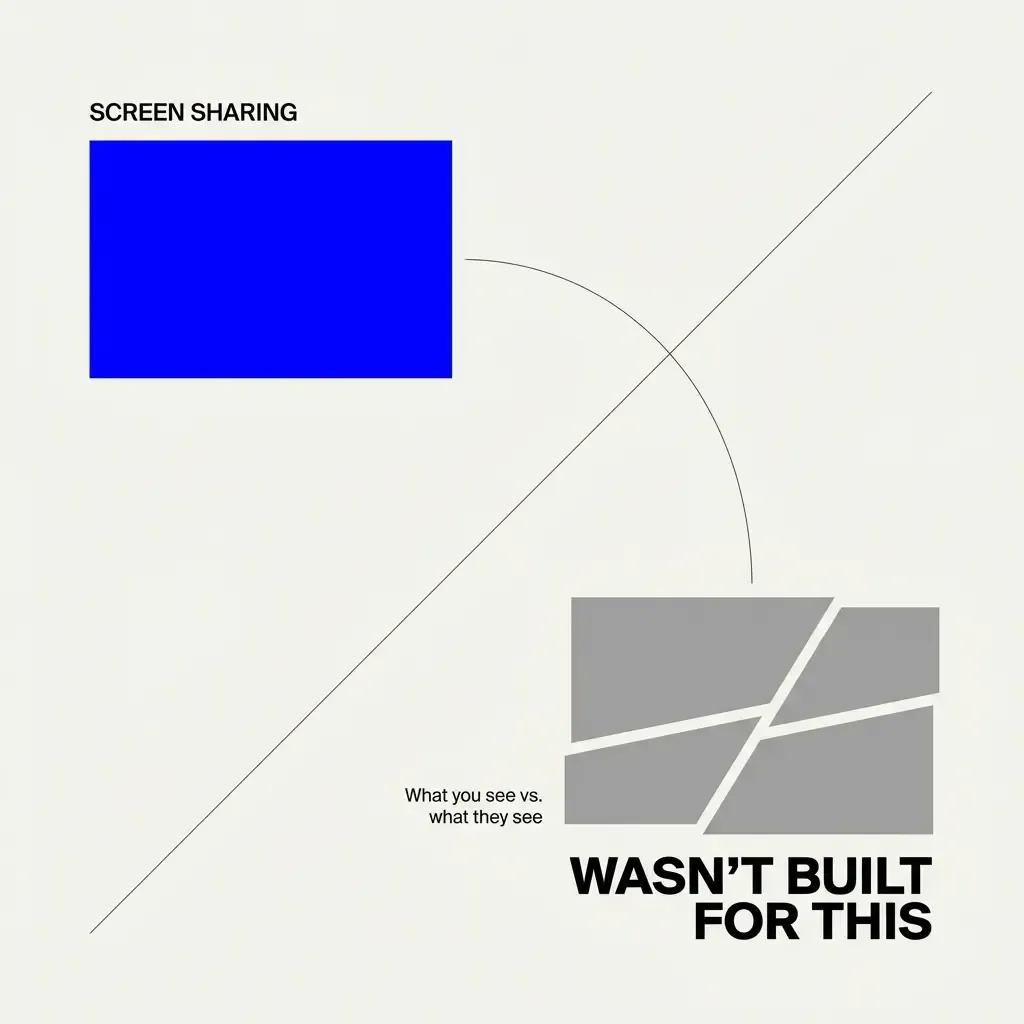
The problem was simpler: screen sharing was never built for watching videos together.
#The Screen Share Lag Problem Nobody Talks About
Every remote team has experienced this. You share your screen to show a video. You watch it play smoothly on your end. Meanwhile, your colleagues are watching a slideshow.
The complaints are consistent across platforms. Screen viewing lag shows up in Zoom support forums constantly: "Everything they click or switch windows is very delayed. They could finish speaking about a slide and I'm still stuck on the last slide."
This happens because screen sharing compresses your entire screen, sends it over the network, and reconstructs it on the other end. It works fine for slides or documents. But video? Video already compressed once gets compressed again. Your network bandwidth gets hammered. Synchronization drifts.
The person sharing sees smooth playback. Everyone else sees lag, stuttering, or frozen frames.
You can't run a product demo like this. You can't do effective onboarding. You can't create the shared experience you need when the video matters.
#Why General Meeting Tools Can't Solve This
Here's what I learned after years of building software: general-purpose tools make trade-offs that sacrifice specialized use cases.
Zoom, Google Meet, and Microsoft Teams optimize for meetings. They need to handle screen sharing, breakout rooms, whiteboarding, recording, transcription, and dozens of other features. Watch parties are not their priority.
The proof? Major platforms have been shutting down watch party features. Disney+ killed GroupWatch. Amazon Prime dropped Watch Party. Sling discontinued theirs in early 2024.
These companies have massive engineering teams and unlimited resources. They still couldn't make watch parties work inside general-purpose platforms.
The reason is architectural. When you bolt a feature onto an existing system, you inherit all the constraints of that system. Screen sharing in Zoom will always prioritize compatibility and reliability over perfect video synchronization.
That's not a criticism. It's a design reality.
#What Actually Matters for Watching Videos Together
I started mapping out what a purpose-built watch party tool needs. Not what a meeting tool needs. What you need when the video itself is the point.
Perfect synchronization. Every viewer sees the exact same frame at the exact same moment. No drift. No lag. No "wait, what scene are you on?"
This requires direct video streaming to each participant, not screen compression. The host controls playback, but everyone receives the same video feed simultaneously.
Contextual chat. Comments need to connect to what people are watching right now. When someone types "love this part" at 2:34 in the video, that context matters.
General meeting chat is just a stream of messages. It doesn't know what's happening in the video. It can't tie reactions to specific moments.
Clean lifecycle management. You upload a video for one event. The event ends. The video should disappear automatically.
In Teams, you upload files that sit in SharePoint. Recordings go to OneDrive or Stream. You manage cleanup manually across different systems. For a one-time product demo, this is absurd overhead.
Focused experience. No breakout rooms. No whiteboard. No polling features. Just a clean interface for watching something together.
When you open Zoom, you see 47 buttons and menus. Most of them are irrelevant if you just want to screen a video. That cognitive load distracts from the content.
#The Market Shift Toward Specialized Tools
The virtual events market is growing fast. From $16.61 billion in 2026 to $27.65 billion by 2031. Interactive features like co-watch rooms are driving a 20% increase in average session length.
People want better experiences for specific activities. Not everything needs to happen in a general meeting room.
I've seen this pattern before. Early in my career, everyone used generic project management tools for everything. Then specialized tools emerged. Jira for engineering. Asana for marketing. Linear for product. Each one solved a specific workflow better than the general tools could.
Video collaboration is following the same path.
Teams need to run mini-launches. Creators want to preview content with their community. Companies need better onboarding experiences. These aren't traditional meetings. They're screening events.
#How ShortVibe Works Differently
I built ShortVibe to handle one thing exceptionally well: watching short videos together as a group.
You create a watch party. You set a date and time. You upload your videos. You invite people by email.
When the party starts, you control playback. Everyone sees synchronized video. The chat is tied to the live event window. Late joiners sync to the current playback position automatically.
After the event ends, videos clean up automatically. No file management. No storage concerns. No manual deletion.
The interface is simple because it only does what you need for this specific use case. No feature bloat. No distracting options. Just the video, the controls, and the chat.
#When You Should Use Screen Share vs. ShortVibe
Screen sharing still makes sense for many situations. If you're walking through a document, demonstrating software, or showing slides, use Zoom or Teams. They're excellent for that.
But when the video itself is the content—when timing matters, when reactions need to sync, when you want people focused on watching together—screen sharing falls short.
Product demos. Training videos. Team announcements. Community previews. These need proper video synchronization and contextual chat.
You wouldn't use a hammer to drive screws. You wouldn't use a meeting tool to run a watch party.
#The Technical Reality
Building ShortVibe required solving problems that general meeting platforms don't prioritize.
Synchronization across varying network conditions. Handling late joins without disrupting the experience. Tying chat messages to playback timestamps. Automatic cleanup without manual intervention.
These are solvable problems when you build for one specific purpose. They become nearly impossible when you're maintaining backward compatibility with a massive existing codebase serving millions of users across dozens of use cases.
That's why specialized tools win. They can make trade-offs that general platforms can't.
#What I'm Seeing Teams Use This For
Early ShortVibe users are running scenarios I didn't fully anticipate.
Async standups where teams record quick updates and watch them together weekly. Mini-launches where product teams preview features before wider release. Onboarding sessions where new hires watch training videos as a cohort. Social events where communities watch creator content together.
The pattern is consistent: short videos that benefit from shared, synchronized viewing.
These aren't Zoom meetings. They're screening events. The distinction matters.
#Why This Matters Now
Remote work isn't going away. Distributed teams need better tools for specific workflows.
The one-size-fits-all approach worked in the early pandemic when we just needed something that worked. Now teams are optimizing. They're finding tools that do specific things well instead of tools that do everything adequately.
Video collaboration is part of this shift. You don't need another general meeting platform. You need purpose-built tools for specific types of collaboration.
Watch parties are one of those specific types. They deserve a tool designed for them.
That's why I built ShortVibe.
If you're trying to run video screening events over screen share and fighting the lag, the drift, and the distraction—there's a better way.
Try ShortVibe at shortvibe.io. It's built for this exact use case.